
Wondering how to flag a Google review that violates Google’s policies? Flagging is the first step to getting inappropriate, fake, or malicious reviews removed from your Google Business Profile. In this guide, we’ll walk you through the exact process — step by step — and explain what happens after you flag a review.
Whether you’re a restaurant owner in New York, a dentist in London, or a retail brand in Sydney, knowing how to flag a Google review properly can save your business from reputation damage. Over 75% of consumers say they trust online reviews as much as personal recommendations, making every negative review a potential lost customer.
FREE REVIEW ANALYSIS
Flagging Not Working? We Remove Google Reviews in 12 Hours
100% money-back guarantee · Only £99 to start · Trusted by 5,000+ businesses
What Does Flagging a Google Review Mean?
When you flag a Google review, you’re reporting it to Google as violating their review policies. Google then evaluates the review against their guidelines and decides whether to remove it. Flagging doesn’t guarantee removal — it simply brings the review to Google’s attention for manual assessment.
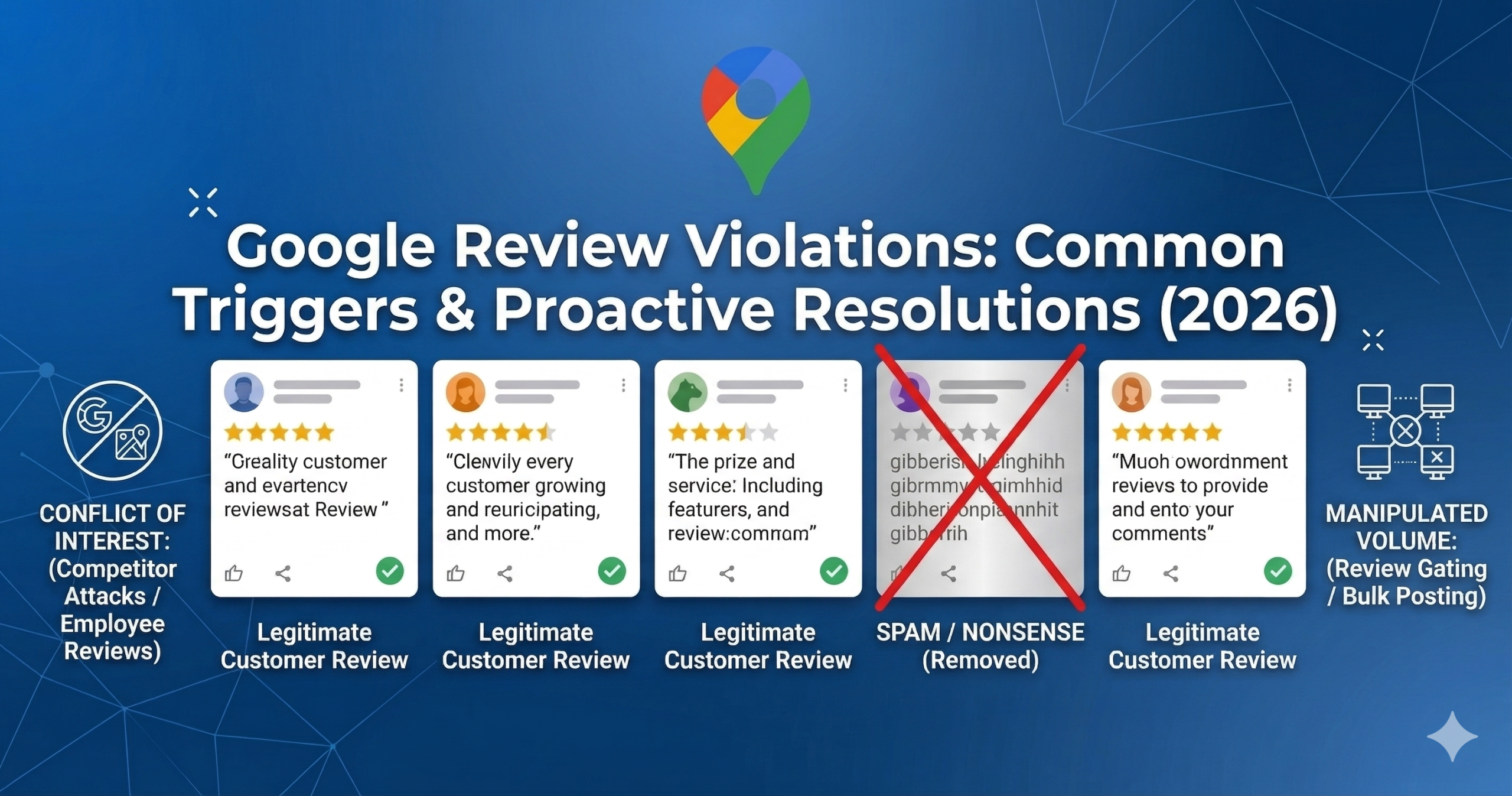
Common reasons to flag a review include spam content, fake reviews from competitors, reviews containing hate speech or profanity, reviews from people who were never customers, and reviews that violate Google’s conflict of interest policies.
Step-by-Step: How to Flag a Google Review on Desktop
Step 1: Find the Review on Google Maps
Open Google Maps and search for your business name. Click on your business listing, then scroll down to the reviews section. Find the specific review you want to flag.
Step 2: Click the Three-Dot Menu
Next to the review, you’ll see a three-dot menu icon. Click on it to reveal the reporting options.
Step 3: Select “Report Review”
Click “Report review” from the dropdown menu. Google will ask you to select a reason for flagging. Choose the most appropriate violation category.
Step 4: Submit Your Flag
Confirm your report. Google will acknowledge receipt and begin their review process. This typically takes 5-20 business days.
How to Flag a Google Review on Mobile
The mobile process is nearly identical. Open the Google Maps app, navigate to your business profile, find the offending review, tap the three dots, and select “Report review.” The mobile interface makes it easy to flag reviews on the go.
What Happens After You Flag a Google Review?
After flagging, Google’s moderation team reviews the report. Google confirms receipt of your flag within 24-48 hours. A human moderator reviews the flagged content against Google’s policies. If the review violates policies, it gets removed — usually within 5-20 business days. If Google decides the review doesn’t violate policies, it stays published.
The frustrating reality is that Google removes fewer than 10% of flagged reviews. This is because their threshold for what constitutes a policy violation is extremely high. Many reviews that seem unfair or dishonest don’t technically violate Google’s published guidelines.
Why Flagging Alone Isn’t Enough
If you’ve tried flagging a Google review and it wasn’t removed, you’re not alone. Most businesses find that flagging alone doesn’t solve their review problems. Google’s automated systems often miss nuanced violations, and the appeal process is limited.
This is where professional Google review removal services make the difference. At Reviews Eraser, we use proven legal and policy-based strategies that go far beyond simple flagging. Our team has successfully removed over 1.5 million toxic reviews for businesses worldwide — with a 100% money-back guarantee.
Alternative Methods to Remove Google Reviews
Appeal Through Google’s Review Management Tool
Google’s Review Management Tool allows business owners to appeal reviews that weren’t removed after flagging. This provides a second chance at removal through a more detailed review process.
Contact Google Business Support
For reviews that clearly violate policies but weren’t removed, contacting Google Business Support directly can sometimes escalate the matter. However, response times are unpredictable.
Legal Action for Defamatory Reviews
If a review contains false statements of fact that damage your business, you may have grounds for a defamation claim. A court order can compel Google to remove the content.
Professional Review Removal Service
The most effective approach for guaranteed results is using a professional review removal service. Reviews Eraser specialises in removing reviews that Google’s standard flagging process won’t catch — achieving results within just 12 hours.
Tips for Successful Review Flagging
To maximise your chances of success when flagging a Google review, follow these best practices. Flag the review as soon as possible — older reviews are harder to get removed. Choose the most accurate violation category rather than just selecting “spam.” Only flag reviews that genuinely violate Google’s policies — flagging legitimate negative reviews can hurt your credibility with Google. Document everything by keeping screenshots and records of flagged reviews.
How to Prevent Negative Google Reviews
While learning how to flag a Google review is important, prevention is even better. Encourage satisfied customers to leave positive reviews, respond professionally to all reviews (both positive and negative), address customer complaints before they escalate to online reviews, and use a reputation management strategy to monitor your online presence proactively.
Flag a Google Review Today — Or Let Us Handle It
Flagging a Google review is free and worth trying as a first step. But if your flagged reviews aren’t being removed, don’t wait for your reputation to suffer further. Reviews Eraser offers a free eligibility check — simply paste your review link and we’ll tell you within minutes whether we can remove it. With our £99 advance (100% refundable if we can’t remove the review) and 12-hour turnaround, there’s zero risk.
Stop Losing Customers to Unfair Reviews
Paste your Google review link below and get a free eligibility check within minutes.
✓ 100% Refund if Not Removed · ✓ 12-Hour Turnaround · ✓ Worldwide Service
Why Flagging Google Reviews Is Important for Your Business
Learning how to flag a Google review effectively is one of the most important reputation management skills you can have as a business owner in 2026. Your Google Business Profile is often the first thing potential customers see when they search for your business — and fake or policy-violating reviews can seriously damage their first impression.
According to a feature on Yahoo Finance, ReviewsEraser is transforming how businesses deal with unfair Google reviews, offering guaranteed removal services that go far beyond what basic flagging can achieve.
What Happens After You Flag a Google Review?
Many business owners flag a review and then wonder what happens next. Here’s the typical process after you flag a Google review:
- Google’s automated system receives your flag and categorises it
- The review is assessed by automated algorithms for policy violations
- If the violation is clear, the review may be automatically removed within a few days
- If the violation requires human review, a Google moderator will assess the case
- You receive a notification (usually via email) about the outcome
- If rejected, you have the option to escalate through Google’s appeals process
It’s important to manage your expectations when flagging. Google’s automated systems are not perfect, and many genuine violations are missed or incorrectly dismissed. Success rates for standard flagging are around 20 to 30%, which is why many businesses turn to professional services like ReviewsEraser for more reliable results.
How to Write an Effective Flag Report
When you flag a Google review, providing clear, specific information dramatically improves your chances of success. Here’s how to write an effective flag report:
Be Specific About the Policy Violation
Don’t just say the review is unfair or incorrect. Reference the specific Google review policy that the review violates. For example: “This review violates Google’s spam policy as the reviewer has no record of using our services” or “This review violates Google’s conflict of interest policy as the reviewer is a current employee.”
Provide Evidence
Include any supporting evidence: transaction records showing the reviewer was never a customer, screenshots of the reviewer’s other fake reviews across multiple businesses, or documentation proving a conflict of interest.
Keep It Professional
Write your flag report in professional, neutral language. Emotional or aggressive responses can undermine your case. Focus on facts and policy violations rather than expressing frustration.
Choose the Most Specific Violation Category
When selecting the reason for your flag, choose the most specific option available. Vague categories like “other” are less likely to be actioned than specific ones like “conflict of interest” or “fake review.”
When Flagging Is Not Enough: Escalation Options
If your flag is rejected or not actioned, you have several escalation options available:
File a Formal Appeal
Google’s appeals process allows you to provide additional evidence and context for your removal request. Access this through Google Business Profile support or the help centre.
Contact Google Business Profile Support
Google Business Profile has a support chat and phone line for verified business owners. Speaking directly with a support agent and providing detailed evidence can sometimes achieve results that automated flagging cannot.
Use the Google Business Profile Community Forum
Google employees monitor the Google Business Profile community forum and occasionally intervene in escalated cases. Posting a detailed, factual account of your situation may attract attention.
Coordinate Multiple Reports
Understanding how many reports it takes to remove a Google review can help you coordinate a broader reporting effort if the review is clearly fake or violates policies.
Use a Professional Removal Service
When all else fails — or when you need fast, guaranteed results — using a professional service like ReviewsEraser is the most effective path. Our Google review removal service achieves removal in 12 hours with a 100% money-back guarantee, using expert knowledge and direct escalation channels that deliver far higher success rates than standard flagging.
How to Flag Different Types of Policy-Violating Reviews
Flagging Fake Reviews
If you suspect a review is fake — posted by someone who never used your service — gather any available evidence before flagging. Check the reviewer’s profile: do they have a history of reviewing many businesses in a short time? Are their other reviews suspiciously generic? Do they have any connection to a known competitor? The more evidence you can provide, the stronger your flag. See our full guide on how to remove a fake Google review.
Flagging Reviews with Offensive Content
Reviews containing hate speech, profanity, personal attacks, or threatening language should be flagged under Google’s offensive content policy. These are typically among the easier violations to get actioned, as the content is objectively identifiable.
Flagging Ex-Employee Reviews
If a former employee leaves a negative review about your business, this constitutes a conflict of interest under Google’s policies. When flagging, select the conflict of interest reason and provide evidence of the employment relationship if possible.
Flagging Competitor Reviews
Competing businesses leaving fake negative reviews is unfortunately common. When flagging, look for signs of inauthenticity in the reviewer’s profile and cross-reference with your customer database to confirm they were never a customer.
The Impact of Google Reviews on Your Business Reputation
Understanding how negative Google reviews impact your business reinforces why knowing how to flag and remove them is so valuable:
- A one-star drop in your Google rating can reduce revenue by 5 to 9%
- 70% of consumers won’t consider a business with a rating below 3.5 stars
- 93% of consumers say online reviews affect their purchasing decisions
- Businesses with 4+ star ratings receive up to 12 times more click-throughs than those with 2-3 star ratings
These statistics make it clear that flagging and removing harmful reviews is not just cosmetic — it’s a direct driver of business performance and revenue.
Proactive Review Management: Beyond Flagging
Flagging is reactive — it deals with reviews after they’ve been posted. A comprehensive review management strategy also includes proactive elements:
Generating Positive Reviews Consistently
The more genuine positive reviews you accumulate, the less damage individual negative or fake reviews can cause. Implement a systematic approach to requesting reviews from satisfied customers.
Responding to Reviews Professionally
Whether you can get a review removed or not, responding professionally demonstrates your commitment to customer satisfaction. For proven templates and strategies, see our guide on how to respond to negative Google reviews.
Understanding Google Review Policies
Being thoroughly familiar with Google review policy violations helps you identify which reviews are eligible for removal and build stronger flagging cases.
Ongoing Reputation Monitoring
For comprehensive ongoing protection, ReviewsEraser’s business online reputation services provide continuous monitoring, proactive response management, and rapid removal of qualifying reviews.
Frequently Asked Questions About Flagging Google Reviews
How long does it take for Google to review a flagged review?
Google typically takes 3 to 14 business days to review a flag. Complex cases may take longer. If no action is taken within this time, you can escalate through Google’s support channels.
What happens if my flag is rejected?
You can escalate by filing a formal appeal, contacting Google Business Profile support directly, or using a professional removal service like ReviewsEraser.
Can I flag a review more than once?
Yes, you can re-flag a review, especially if you have new evidence to add. You can also ask other people who can verify the violation (such as staff members) to flag the same review from their accounts.
Does flagging a review notify the reviewer?
No. The reviewer is not notified when you flag their review. Google reviews the flag internally, and the reviewer is only notified if their review is actually removed.
What if the fake review is from someone with many followers?
The flagging and removal process is the same regardless of the reviewer’s follower count. Google’s policies apply equally to all reviews. If the review violates policies, it can be removed.
Take Control of Your Google Reviews Today
Now that you know how to flag a Google review effectively, you’re equipped to start taking action against fake and policy-violating reviews on your profile. But if you want guaranteed results, faster removal, and expert support, ReviewsEraser is here to help.
Our team handles everything from eligibility assessment to final removal, with a 12-hour turnaround and a 100% money-back guarantee. Get your free eligibility check today and take the first step toward a clean Google profile.